1. Install the demo file from GitHub:
2. Install the Synth AI SDK in your Python environment:
3. Start the GEPA prompt optimization job:
On job start, the following happens:
- Launches a Local API — a FastAPI server that loads the dataset and handles rollout requests
- Wraps the Local API in a Cloudflare Tunnel so Synth AI’s server can reach your local machine
- Optimizes the prompt by having Synth AI’s server call the Local API
Using the TUI
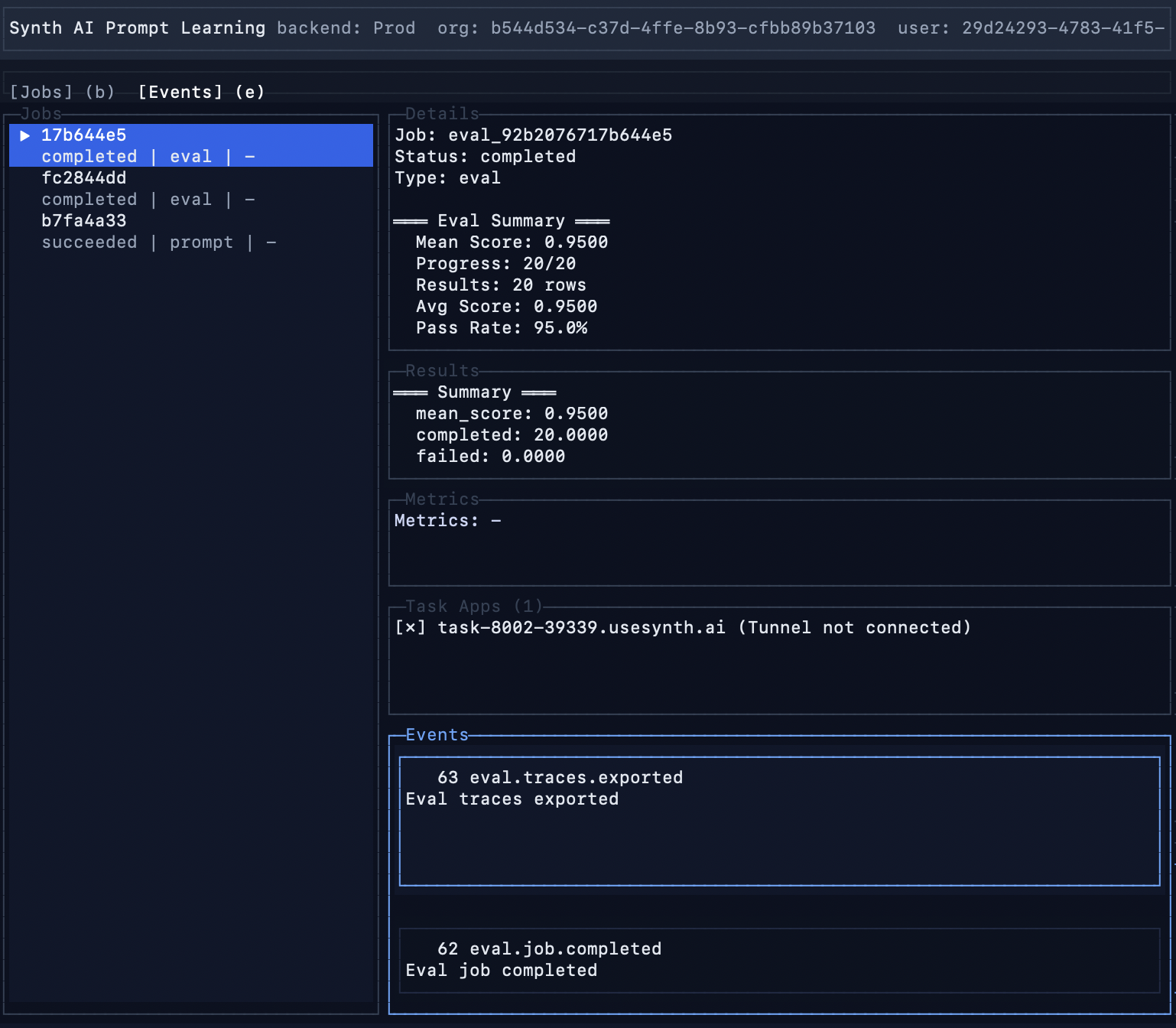
You can view your prompt optimization job’s progress live through Synth AI’s terminal user interface. In the same environment where thesynth-ai SDK is installed, open the TUI and view your job’s status by running:
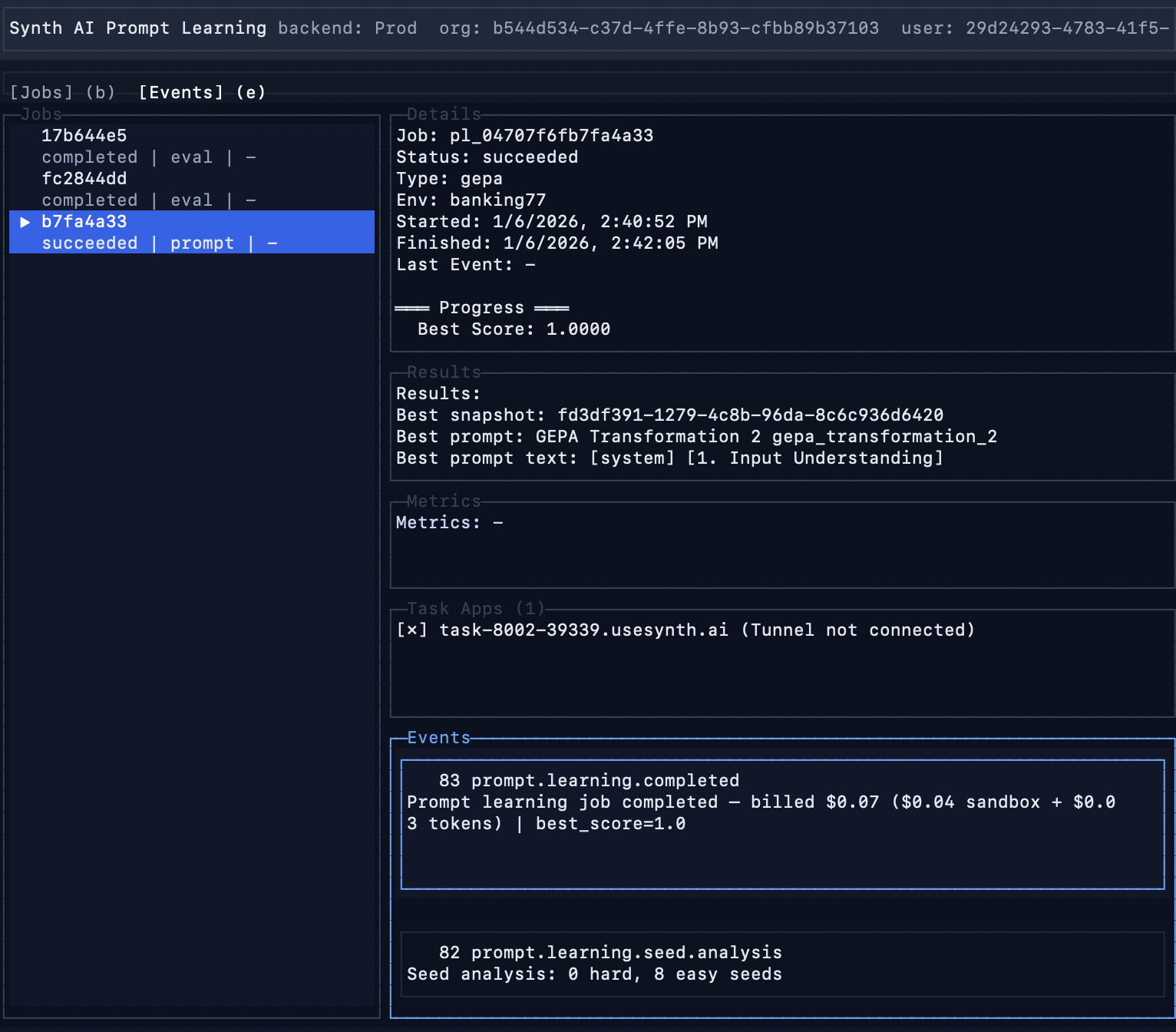
Prompt optimization finishes
The TUI notifies when the prompt optimization job completes. To get the optimized prompt:- Select the prompt optimization run by pressing the
bkey and navigating withj/k - Press the
pkey to open the completed job’s optimized prompt - Press the
ykey to copy the optimized prompt to clipboard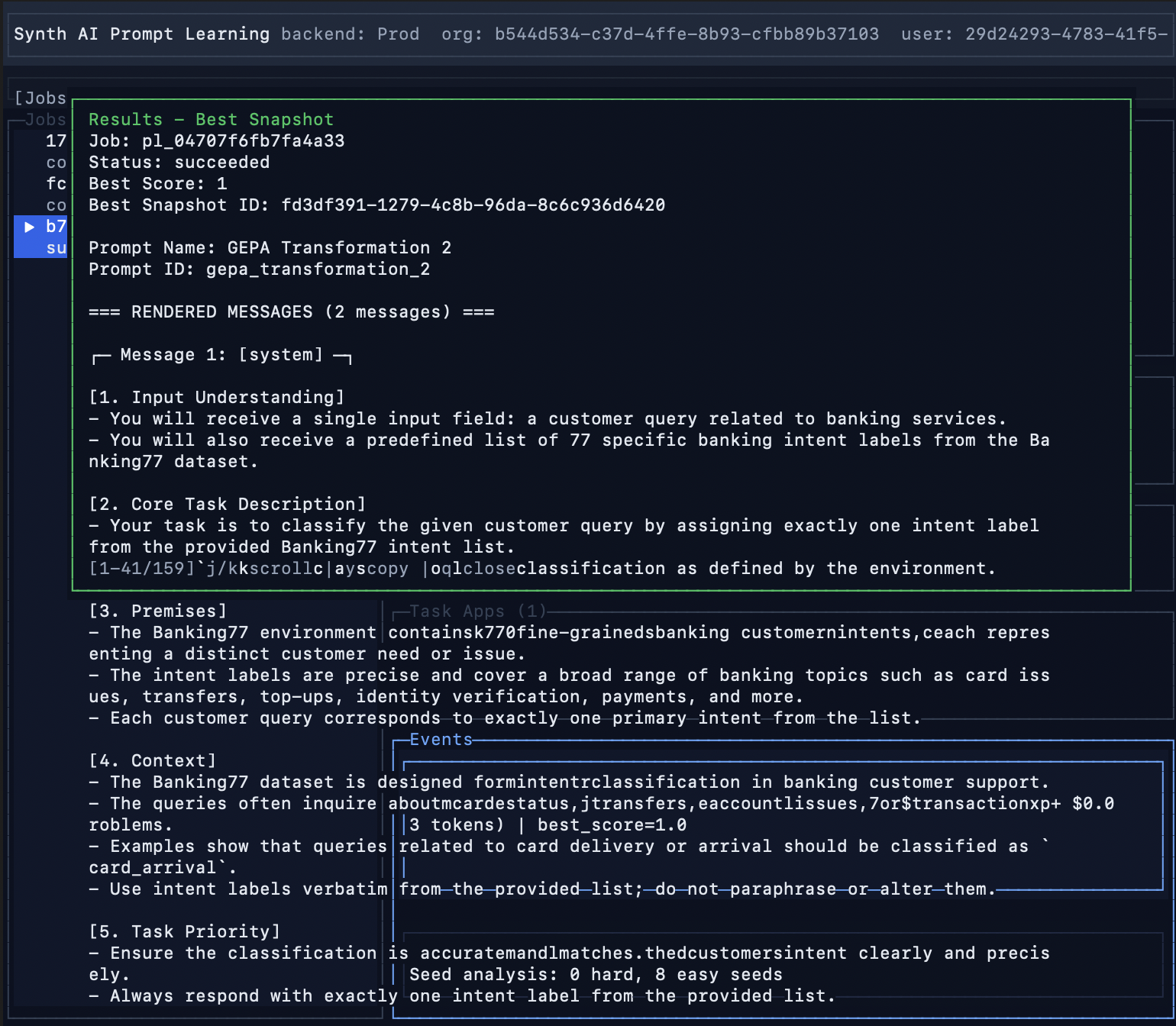
Evals on optimized prompt
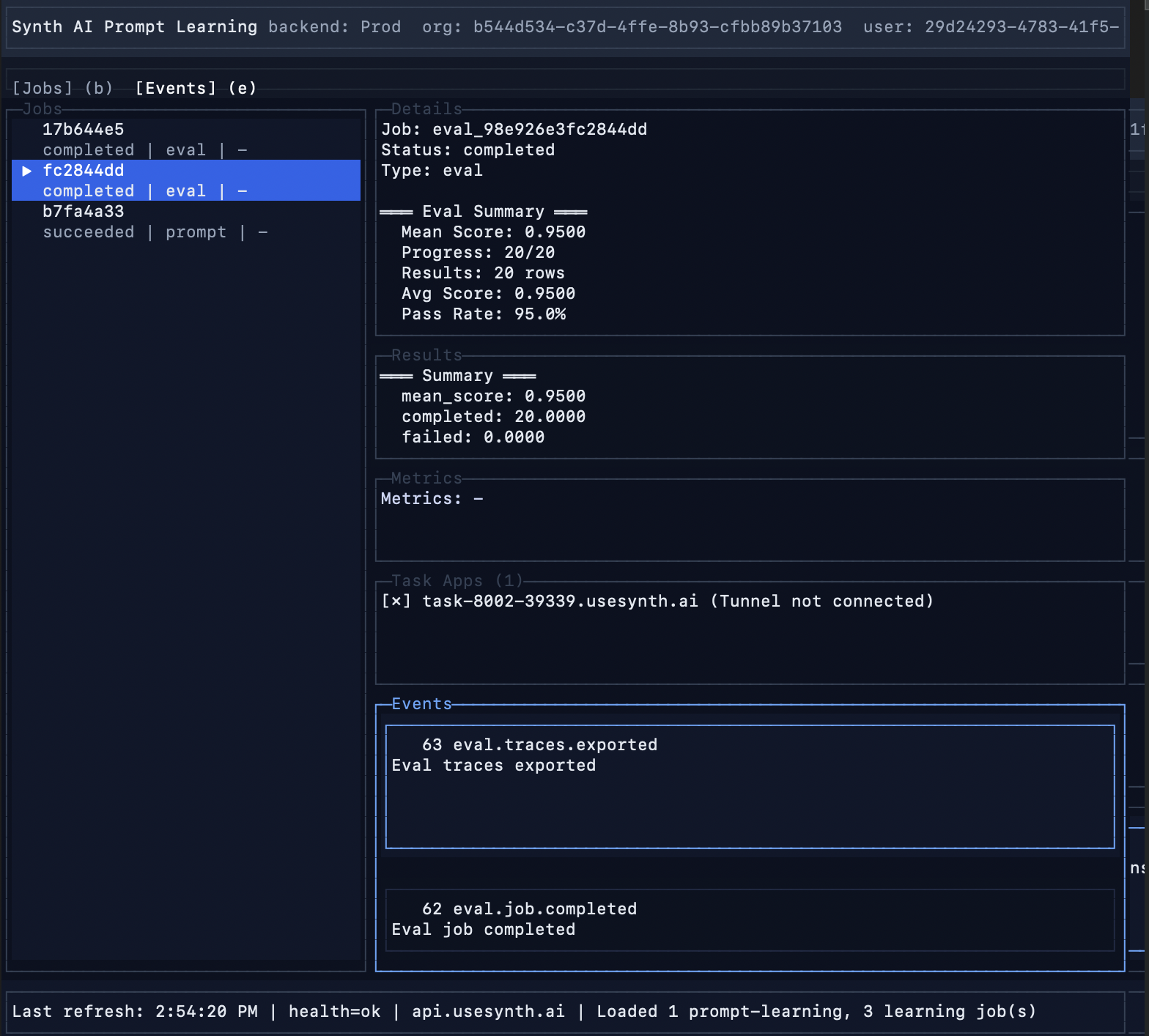
Once your prompt optimization job completes, both a baseline and optimized eval will run, all viewable live in the TUI:Baseline eval
Optimized eval